
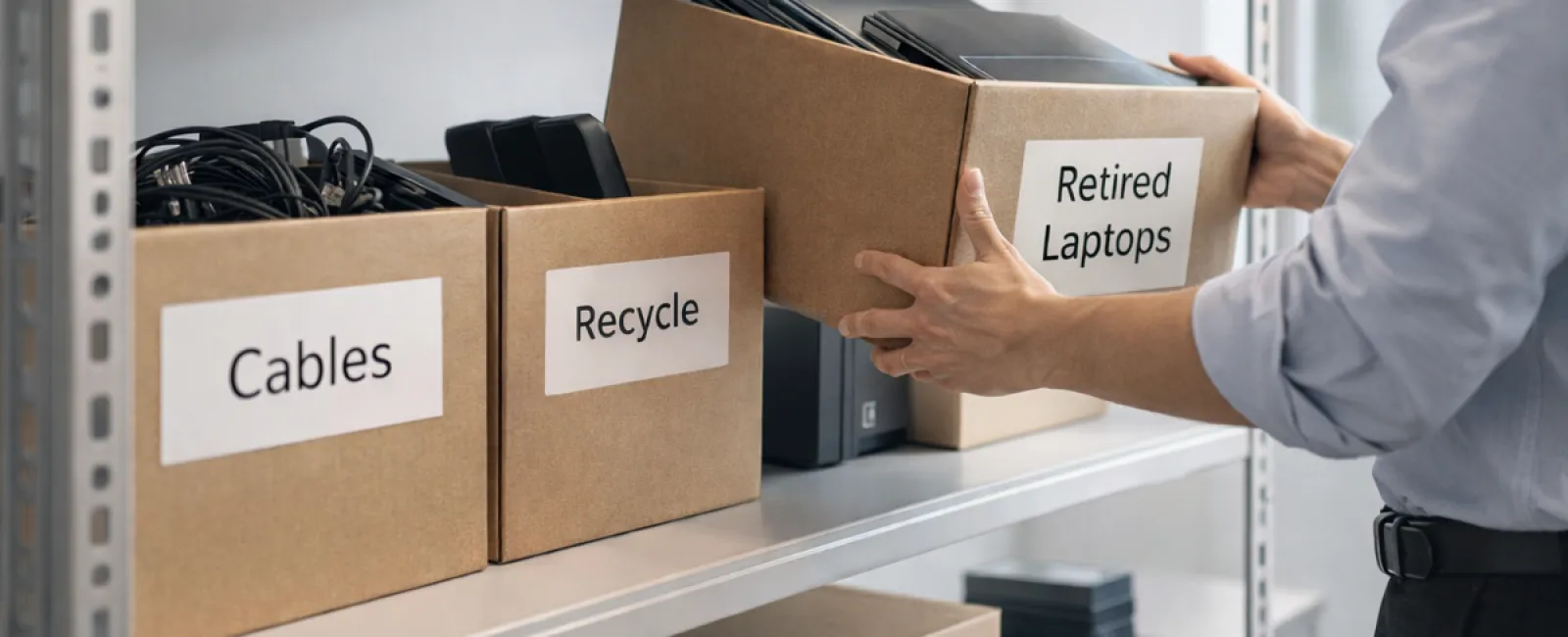
Springtime cleaning often starts with sorting through closets, but for many companies, the real mess isn't on a shelf or rack.
It might be tangled in a server rack, hidden away in a storage closet, stacked in a back office, or shoved into a pile tagged "to handle later."
Outdated laptops. Obsolete printers. Backup drives from several upgrades ago. Boxes full of cables nobody dares to toss "just in case."
This kind of tech clutter accumulates in every business over time.
The real question isn't if you have it, but whether you've developed a clear strategy for what comes next.
Technology Follows a Lifecycle — Beyond the Purchase Date
When you invest in new tech, there's usually a solid reason: improved speed, enhanced security, greater capabilities, or to support growth.
While most organizations plan their technology acquisitions carefully, far fewer map out how to retire obsolete devices.
Retiring equipment tends to happen quietly — a device is swapped out, then placed aside, eventually forgotten until someone decides to clear it out.
That's typical.
What's uncommon is managing the retired technology with the same care and intention as the purchase.
Old devices still hold redeemable value, recyclable parts, and potentially sensitive stored data. Yet, if left unattended, they only clutter your space and drain attention.
Spring is the perfect time to pause and ask: Which devices are still useful, and which ones are just taking up room?
An Effective 4-Step Plan to Clear Out Your Technology
If you want to elevate this from a vague "should do" to an actionable project, follow our straightforward four-step method.
Step 1: Conduct an Inventory
Identify exactly what's being retired: laptops, phones, printers, network devices, external drives? You can't manage what you haven't pinpointed, and a thorough walkthrough usually unveils more than anticipated.
Step 2: Choose the Right Outcome
Every device typically fits into one of three categories for its next step: reuse (internally or through donations), certified recycling via e-waste programs, or secure destruction when data privacy demands it. The critical point is to decide deliberately rather than letting items languish in storage.
Step 3: Prepare Devices Properly
Disciplined preparation is key.
For devices being reused or donated, remove them from device management systems, revoke user permissions, and perform thorough data wiping—not just factory resets. Simply deleting files or quick formatting leaves data recoverable since the system only forgets file locations.
Research from data security firm Blancco revealed 42% of secondhand drives sold on eBay still held sensitive info, despite sellers claiming thorough wiping. Certified erasure tools overwrite every sector and provide verification reports.
If devices are being recycled, don't dispose of them in the trash or curbside bins. Note that popular retail programs, like Best Buy's, only accept household electronics, not business equipment. Instead, select certified IT Asset Disposition (ITAD) providers or business-grade e-waste recyclers holding e-Stewards or R2 certifications. Your IT partner often assists in managing this process.
For device destruction, use certified wiping methods or physical destruction like shredding or degaussing, and maintain detailed records with device serial numbers, method used, handling date, and personnel involved.
This approach isn't paranoia—it's about completing the process responsibly.
Step 4: Document and Move Forward
After equipment leaves your facility, know exactly where it went, how it was handled, and confirm removal of access credentials. Document everything to eliminate ambiguity.
Devices Often Overlooked in Retirement
Laptops typically get attention, but other tech items often slip through the cracks.
Phones and tablets may retain email accounts, contact info, or authentication apps. While factory resets handle much, certified mobile wipe tools ensure data security. Leading brands like Apple and Samsung offer trade-in programs for business devices, potentially crediting you towards upgrades.
Modern printers and copiers often include built-in hard drives storing documents ever printed, scanned, copied, or faxed. When returning leased machines, always obtain written confirmation that hard drives will be wiped or removed before redeployment.
Batteries are classified as hazardous waste by the EPA. Many states like California, New York, and Minnesota prohibit disposing of rechargeable batteries in regular trash for businesses. Remove batteries where possible, tape terminals to prevent shorts, and bring them to certified collection points. Visit Call2Recycle.org or major retailers like Staples, Home Depot, and Lowe's for drop-off locations.
External drives and old servers often remain forgotten in storage. These require the same careful retirement process as other technology.
The Importance of Responsible Recycling
Earth Day in April is a great reminder that electronic waste must not be discarded improperly.
Globally, over 62 million metric tons of e-waste are generated annually, yet only about 22% is responsibly recycled. Devices like batteries, monitors, and circuit boards belong in certified recycling programs to prevent environmental harm. Most communities provide access to proper e-waste disposal services.
Handled correctly, technology retirement is not only environmentally responsible but also operationally efficient and strategically smart. You don't have to choose between security and sustainability—you can achieve both.
Additionally, quietly showcasing proper tech disposal can positively impact your company's reputation on social media, as customers appreciate sustainable business practices.
Unlocking Greater Opportunities
Spring cleaning isn't just about discarding old items; it's about making room for progress.
While clearing out outdated tech is important, consider the broader picture: Is your technology truly empowering how you want to operate your business?
Hardware may come and go, but today, software, systems, automation, and process optimization drive real productivity and profitability.
Properly retiring equipment maintains good operational hygiene, while aligning your technology ecosystem with your goals ensures long-term success.
How We Support You
If you already have a streamlined procedure to retire equipment, that's fantastic—retirement should be a seamless, routine task.
But it's also a prime opportunity to step back and assess your entire tech strategy. Are your systems optimized? Do your tools integrate smoothly? Is your technology fueling growth or just maintaining the status quo?
If you want an objective conversation about enhancing your tech stack, workflows, and overall efficiency, we're ready to help.
No pushy sales pitches or checklists, just practical advice on making technology work harder for your business.
Click here or give us a call at (336) 443-0061 to schedule your free 15-Minute Discovery Call.
If this inspired you, feel free to share it with fellow business owners.
Remember: Spring cleaning goes beyond closets — it's about refining the systems that keep your business moving forward.


